Clean Podcast Episode Checklist: Removing Swear Words Before You Publish
A practical checklist for podcasters who need a clean episode: when to mute vs bleep, what automation misses, and how to keep timing intact.
Decide mute vs bleep once for the whole show, run the mixed episode through an automatic detector, review every flag (especially crosstalk and laughter), and spot-check the result before uploading it as its own file.
1. Decide your house style
- Silence sounds smoother over long listening sessions and is the usual choice for interviews.
- Bleep makes the edit obvious, which some comedy shows prefer.
Pick one and stay consistent across episodes.
2. Work on the final mix
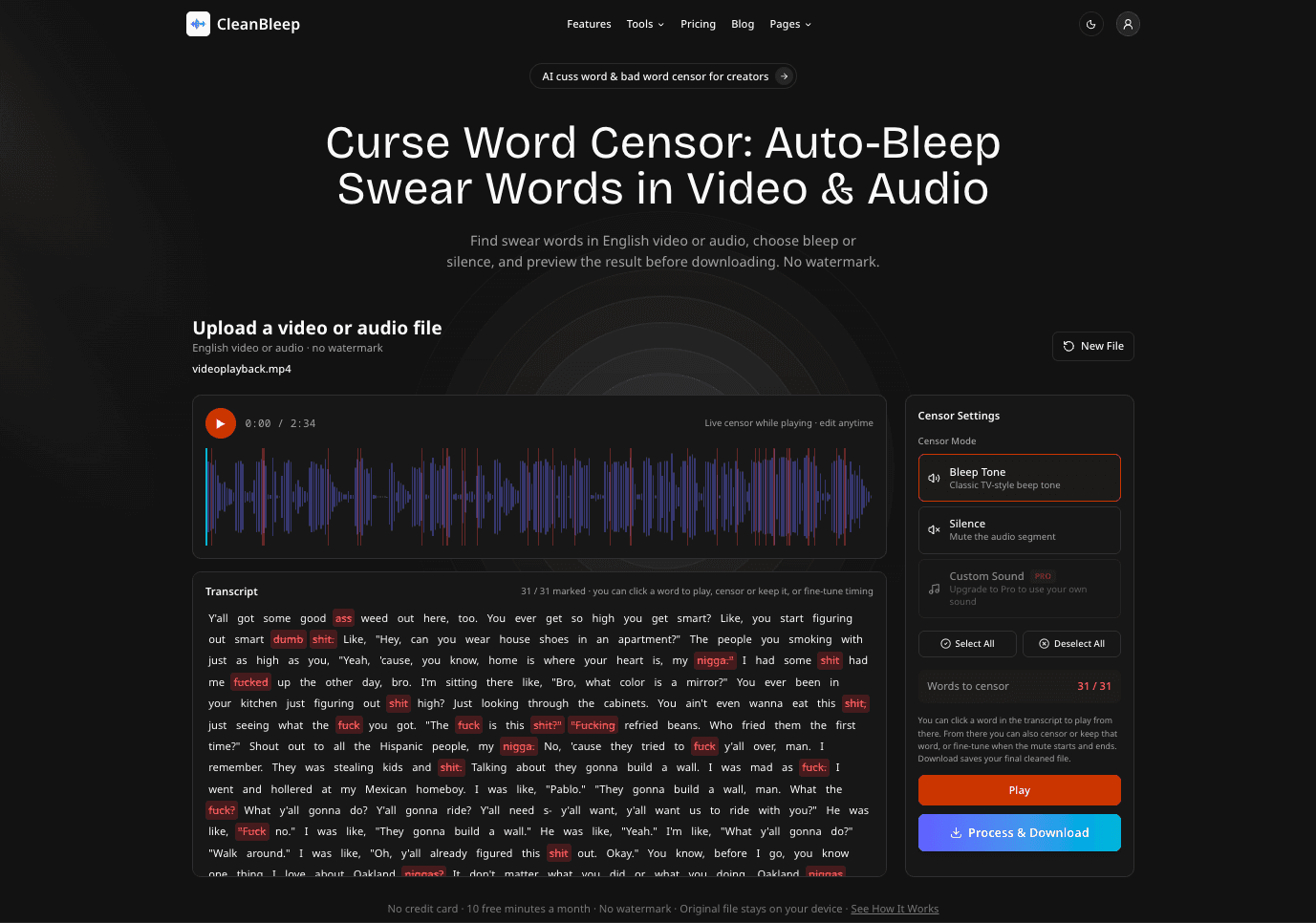
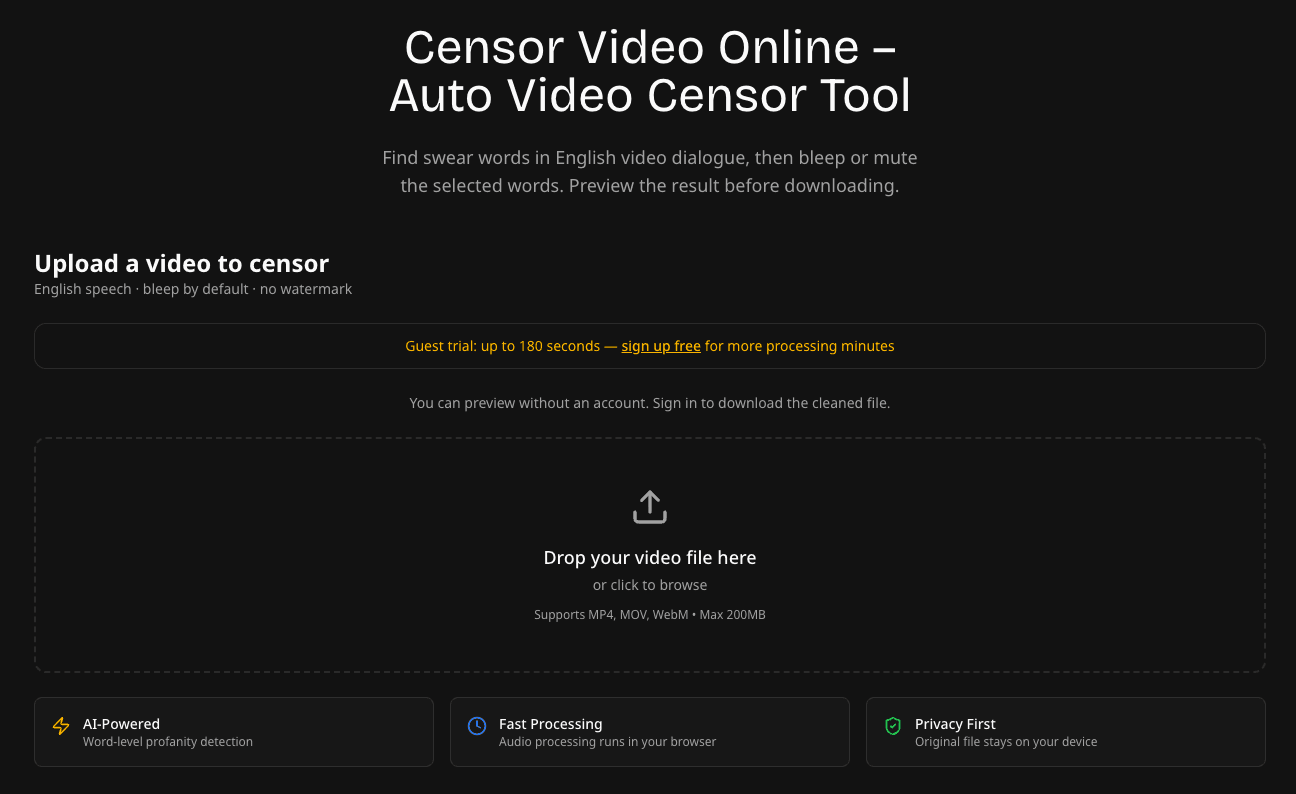
Run the clean pass on the mixed, mastered episode — not on raw tracks — so you only do it once. Upload it to Censor Audio (or Censor Video for a video podcast).
3. Review where automation struggles
Automatic transcription is weakest when:
- two people talk over each other,
- a word is swallowed by laughter,
- music sits under the voice.
Jump to each flagged word, listen in context, and also scan for words that were not flagged in those sections.
4. Keep timing intact
Muting or bleeping in place keeps the episode the same length, so chapter markers and timestamps in your show notes stay accurate.
5. Final QA before publishing
- Listen to the first two minutes and any segment with a guest.
- Confirm the file format matches what your host expects (MP3, WAV, AAC, or OGG for audio).
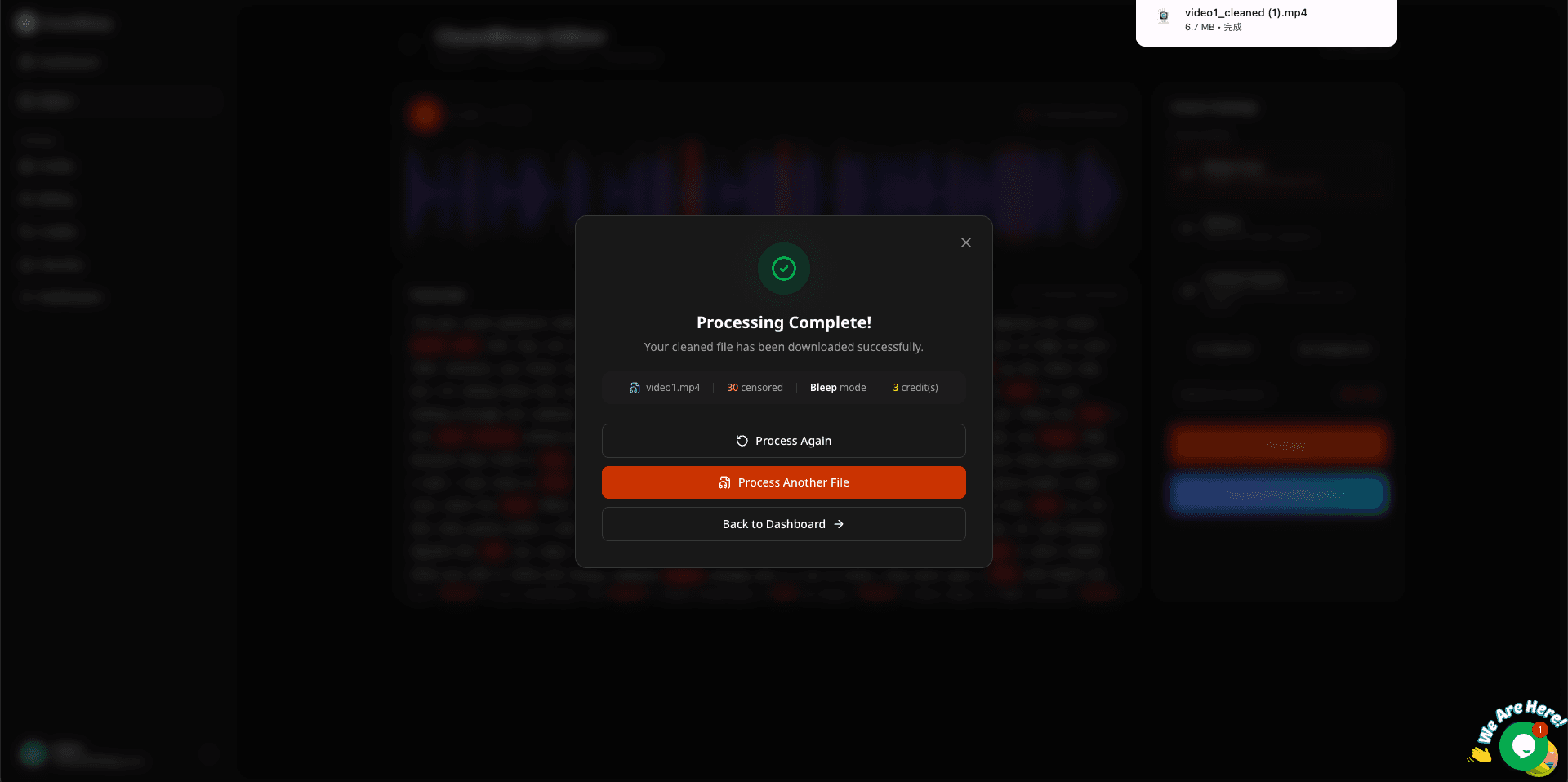
- Save as a separate file if you publish both an explicit and a clean version.
What this does not cover
Episode ratings and explicit flags are set in your podcast host, not in the audio file. Check your host's settings for the clean version. CleanBleep detects English speech only today.