· Updated
How to Make a Clean Version of a YouTube Video Without Re-Editing
Already exported your video? Produce a clean-audio version — bleep or mute — without reopening the project, and keep master and clean files separate.
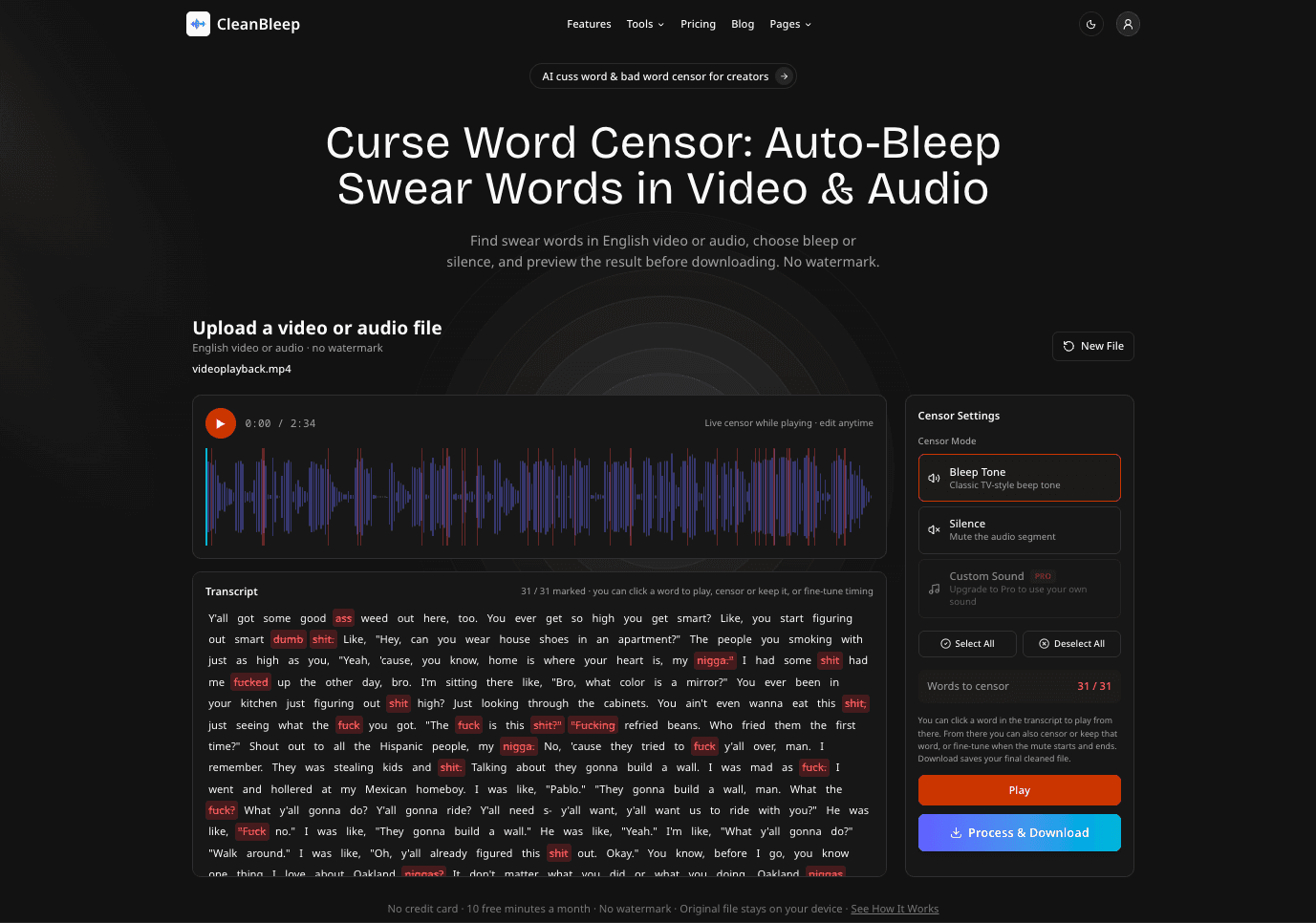
Keep your finished export as the master. Run a copy through a censor tool that edits only the audio, review each flagged word, choose bleep or silence, and save the result as a separate clean file. You do not need to reopen your editing project.
Why creators end up needing a clean copy
- A sponsor, client, or school asks for a version without swearing.
- You want a version for a Short or clip cut from a longer stream.
- You decide after publishing that a few words should go.
Re-editing a long timeline to find a handful of words is slow. Working on the export is faster and leaves your project untouched.
The workflow
- Keep a master. Name it clearly, for example
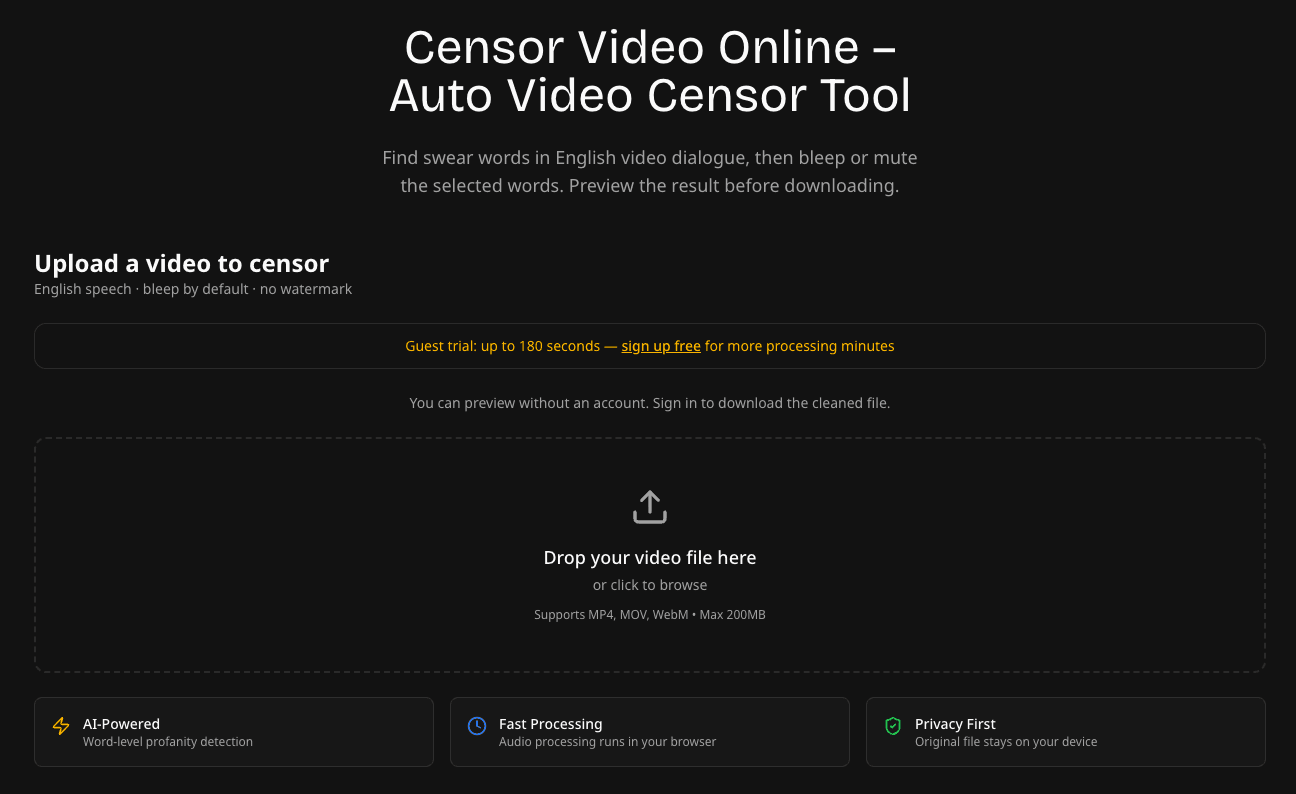
episode-12-master.mp4. Never overwrite it. - Process a copy. Upload it to CleanBleep's video censor. The audio is transcribed with word timestamps (English).
- Review, don't trust blindly. Automatic detection can miss words under music or flag a harmless one. Play each flag in context and keep or censor it.
- Choose the sound. Bleep is obvious and fits comedic or reaction content; silence via Swear Word Remover is less distracting in tutorials. Pro users can upload a custom sound.
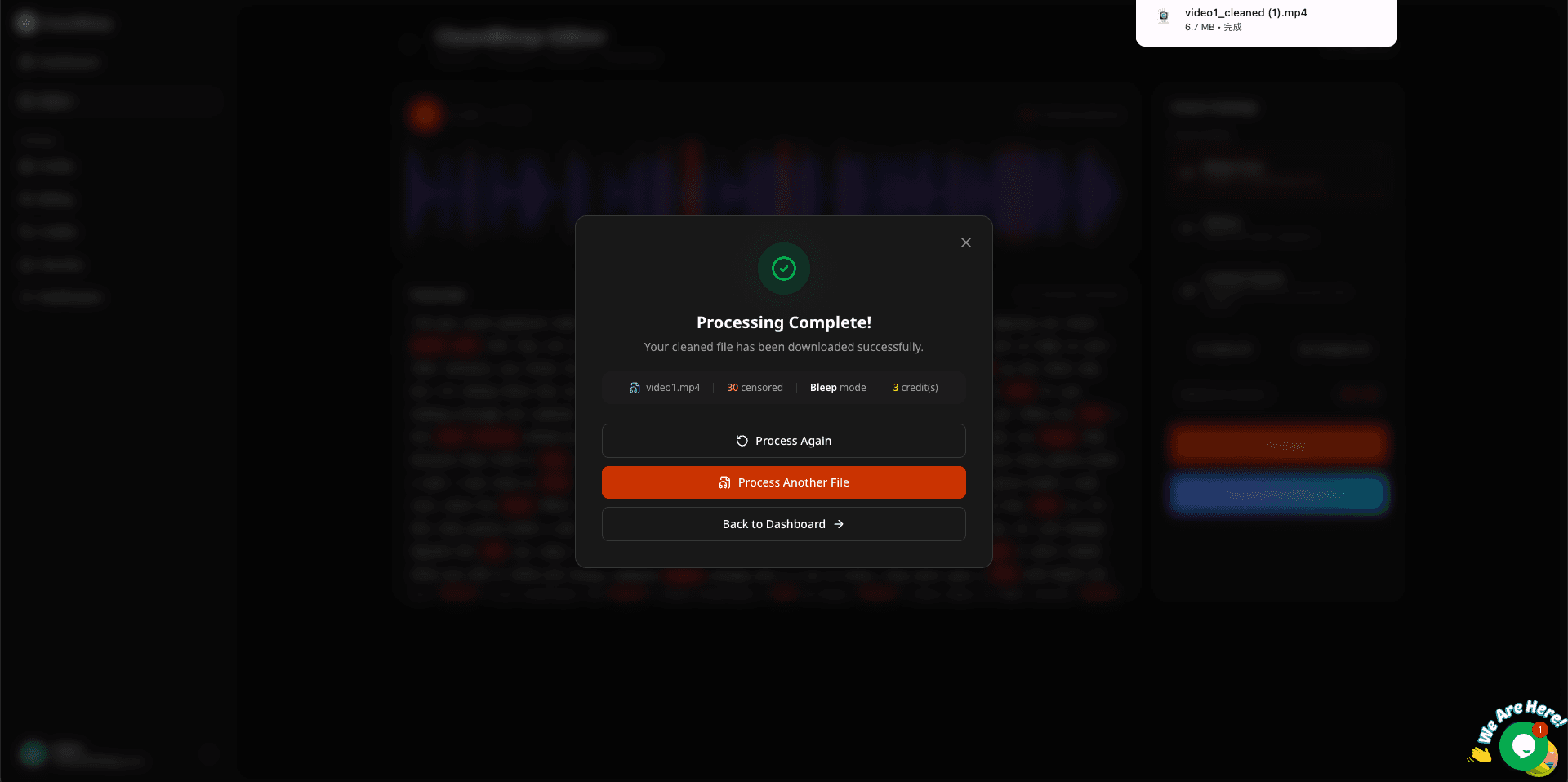
- Save as a second file, for example
episode-12-clean.mp4. Because only audio is rebuilt and the video stream is copied, resolution and frame rate match the master. - Spot-check the first and last minute before uploading.
Managing two versions
- Use the same filename stem with
-master/-cleansuffixes. - If you edit the master later, re-run the clean pass on the new export rather than patching the old clean file.
- Want a list of timestamps before deciding? Run the file through the Bad Word Detector first.
What this workflow does not do
It changes the audio only. Captions you uploaded separately, titles, and on-screen text are unchanged — check them yourself. It also cannot guarantee how any platform will review the video.
Related
- How to bleep curse words in a video — the step-by-step basics and editor comparisons
- CleanBleep for YouTube creators — the creator scenario page with tool links