Can You Swear on YouTube? Profanity Rules for Monetization (2026)
Yes, you can swear on YouTube, but ads depend on how often, where and how strong. YouTube's profanity rules for ads, titles, Shorts, kids content and captions.
Short answer: yes, you can swear on YouTube. Profanity is not banned, and videos with occasional swearing can still earn full ad revenue. What changes your earnings is how much you swear, where the words appear (the title and thumbnail matter most), and how strong they are. Slurs and hateful language are treated far more harshly than ordinary swearing.
The rest of this guide explains YouTube's profanity rules in detail, with a link to the official YouTube Help page behind each point. YouTube makes the final call on every video, and it updates these rules from time to time, so check the linked pages before you rely on any of this.
Two separate rule sets: ads and Community Guidelines
Swearing on YouTube is judged by two different systems, and it helps to keep them apart:
- Advertiser-friendly content guidelines decide how much ad revenue a video can earn if you are in the YouTube Partner Program. This is where almost all profanity questions land.
- The vulgar language policy in the Community Guidelines decides whether a video stays up, gets age-restricted, or is removed. YouTube says it may weigh "excessive profanity" and "heavy profanity or sexually suggestive terms" in the title, thumbnail or metadata when deciding.
A video can be fine under the Community Guidelines and still earn limited ads. The reverse is rare.
The three ad outcomes, with examples
YouTube's advertiser-friendly guidelines put profanity into three levels. The examples below are YouTube's own, from the inappropriate language section.
Can earn ad revenue
- Bleeped, muted or otherwise obscured profanity. YouTube defines "obscured profanity" as bleeping or muting the word, or covering written words with black bars, symbols or text.
- Abbreviations like "WTF".
- Words like "hell" or "damn", even in the title or thumbnail.
- Moderate profanity such as "shit" or "asshole" used frequently in the video.
- Most profanity in music or stand-up comedy videos.
Limited ad earnings (the yellow icon)
YouTube explains that a video with limited ad earnings can still show ads, but brands that only advertise on safer content won't run on it, so expect lower revenue. For profanity, this level covers:
- Moderate profanity, like "shit", in the title or thumbnail.
- Focal profanity: swearing used throughout a video, which YouTube describes as "profanity used in most sentences".
- Profanity in the title or thumbnail of music or stand-up comedy content.
No ad earnings
- Stronger profanity, like "f*ck", in the title or thumbnail.
- Extreme profanity, including hateful language or slurs, anywhere in the video, thumbnail or title. YouTube says any use of hateful language in the video falls here and points to its hateful and derogatory content guideline.
Bleeping a slur in the audio is a sensible edit, but don't expect it to undo a no-ads decision if the slur is still in the captions, title or on screen.
Title, thumbnail and metadata matter most
The guidelines apply to every part of a video: the video, Short or live stream itself, plus the thumbnail, title, description and tags. Notice the pattern in the levels above: the same word that is fine in the audio can cost you money in the title or thumbnail. If you take one thing from this guide, keep strong words out of your title and thumbnail.
Editing later can also change the result. YouTube's appeals page notes that if you change a video's metadata after publishing and it is no longer suitable for ads, new monetization restrictions may appear.
The first 7 seconds: the July 2025 change
For years, swearing at the very start of a video was treated more strictly. In July 2025 YouTube updated its inappropriate language guidelines so that "use of stronger profanity (e.g. f*ck) in the first 7 seconds of content can now be eligible to earn ad revenue" (ad guideline updates).
Two caveats. "Can be eligible" is not a guarantee, and the rest of the rules still apply, so a video that swears in most sentences is still focal profanity. Older guides that tell you to keep the first 7 (or 30) seconds clean at all costs are out of date.
Music and comedy
YouTube gives music and stand-up comedy more room. Most profanity inside music or stand-up comedy videos can earn ad revenue, and occasional profanity in background music, backing tracks or intro and outro music won't necessarily make a video unsuitable for ads. The title and thumbnail are still the weak spot: profanity there limits ads even for music and comedy.
Shorts and live streams
The advertiser-friendly guidelines apply to Shorts and live streams as well as regular videos. For scheduled live streams, YouTube says its systems check the title, description, thumbnail and tags before the stream goes live (source).
Our inference, not YouTube's wording: because a Short is so short, a few swear words can make up a large share of what is said. In a 30-second Short, two or three swears may start to look like "profanity used in most sentences", so treat each Short as its own video rather than assuming the long version's rating carries over.
Kids content and "made for kids"
The rules are much stricter for anything aimed at children. YouTube's guidelines say content that is "made for kids" must be appropriate for a family audience to monetize. Profanity in the video, thumbnail or title of content aimed at kids falls under limited or no ad earnings, and so does moderate, strong or extreme profanity in content made to look appropriate for kids and families (inappropriate content for kids and families). If your audience is young, assume no swearing at all.
Age restriction is not the same as demonetization
Age restriction comes from the Community Guidelines, not the ad rules. YouTube's age-restriction page lists "a video with heavy profanity in the title, thumbnail or associated metadata" and "a video focused on the use of profanities such as a compilation or clips taken out of context" as examples. Viewers have to be signed in and over 18 to watch.
Age-restricted videos can still use ads, but YouTube notes that some advertisers prefer family-friendly content, so these videos may have limited or no ads.
Summary table
| Scenario | Likely ad outcome |
|---|---|
| Bleeped or muted swear words in the video | Can earn ad revenue |
| "Hell" or "damn" in the title or thumbnail | Can earn ad revenue |
| Occasional moderate swearing in the video | Can earn ad revenue |
| Strong swearing in the first 7 seconds only | Can be eligible for ad revenue (since July 2025) |
| Most profanity in a music or stand-up video | Can earn ad revenue |
| Swearing in most sentences of the video | Limited ads |
| Moderate profanity in the title or thumbnail | Limited ads |
| Strong profanity in the title or thumbnail | No ads |
| Slurs or hateful language anywhere | No ads |
| Profanity in content aimed at kids | Limited or no ads |
| A compilation focused on swearing | May be age-restricted; may have limited or no ads |
These are likely outcomes based on YouTube's published examples. YouTube reviews the whole video in context, and the result for any one upload is up to YouTube.
Self-certification: answer honestly
If you have access to self-certification, YouTube asks you to rate your own video against the guidelines during upload. Its Self-Certification overview says that if you consistently rate your videos accurately, "we'll rely on your input over our automated systems", and that repeated, egregious inaccuracies can lead to a review of your channel's Partner Program eligibility.
Bleeping words before upload is an ordinary edit, not a way around review. Rate the version you actually upload. If you bleeped everything strong in the audio but the title still contains a swear word, say so.
YouTube also recommends uploading as private or unlisted early, so the ad suitability checks can finish before you publish.
If you get a yellow icon: appeals
If you think a limited or no-ads decision is wrong, you can ask for a human review. In YouTube Studio, go to Content, hover over the status in the Notices column, review the Impact summary, and select the action button to appeal. A reviewer watches the video and checks its title and metadata. YouTube says appeals can take up to 7 days, that you get one appeal, and that deleting and re-uploading the video won't help (appeals).
Don't forget the captions
Bleeping the audio does not change your captions. If you upload an .srt or .vtt exported from the original edit, or reuse captions from an earlier upload, the word you bleeped is still spelled out on screen, and written profanity is part of what YouTube reviews. Automatic captions are generated from the audio you upload, but check them too in case a partly audible word was transcribed.
To edit captions in YouTube Studio, select Subtitles, click the video, select Edit next to the language (or Duplicate and edit for automatic captions), change the line, and click Publish (edit or remove captions). To fix a caption file before upload, open it in a plain text editor, replace the word with a starred form such as "f***", leave the timestamp lines alone, and save.
How to clean a video before you upload
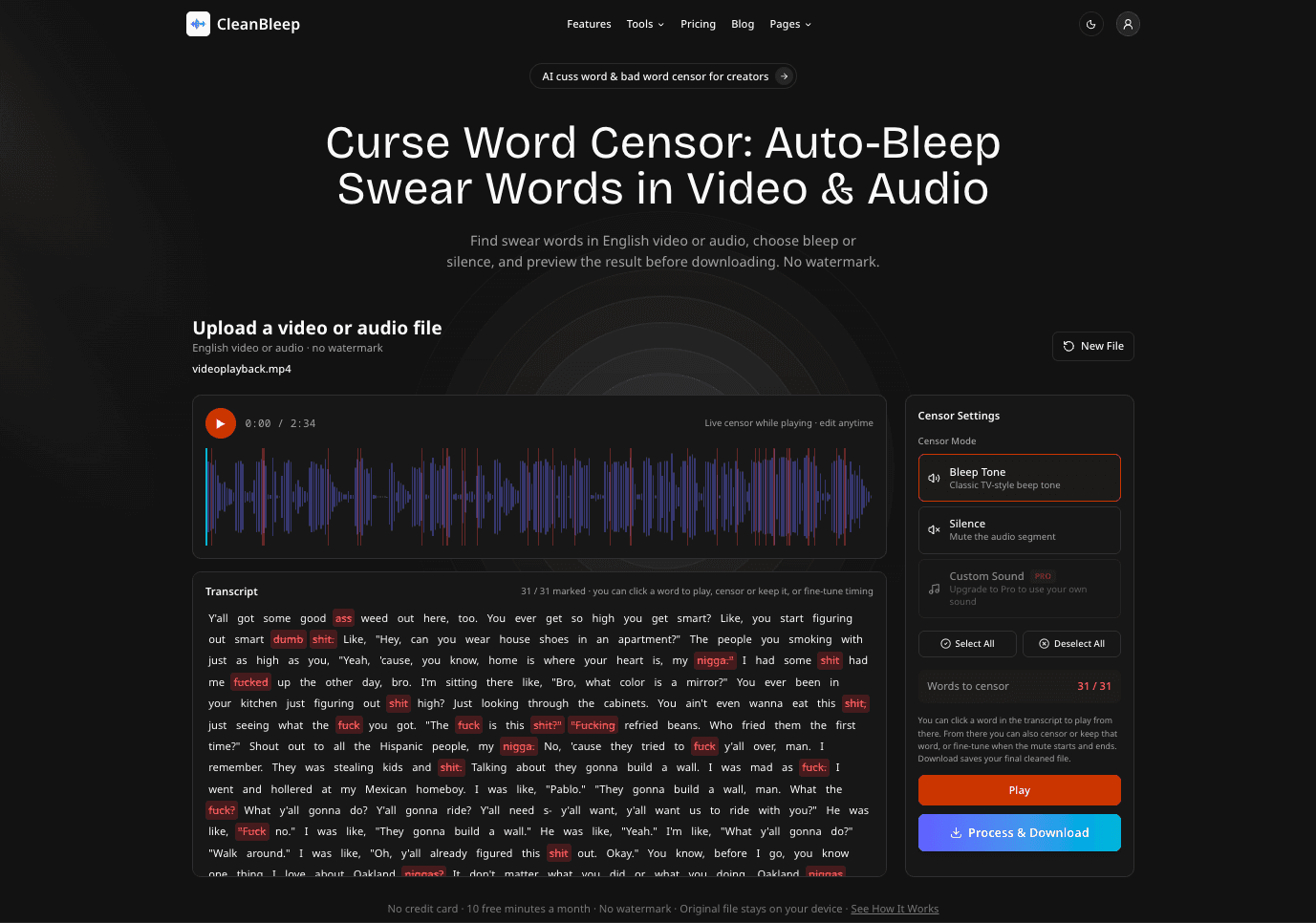
If you want to keep swearing out of the audio without re-editing your whole timeline, a youtube profanity filter for the soundtrack is the fastest route:
- Export the final edit as MP4, MOV or WebM.
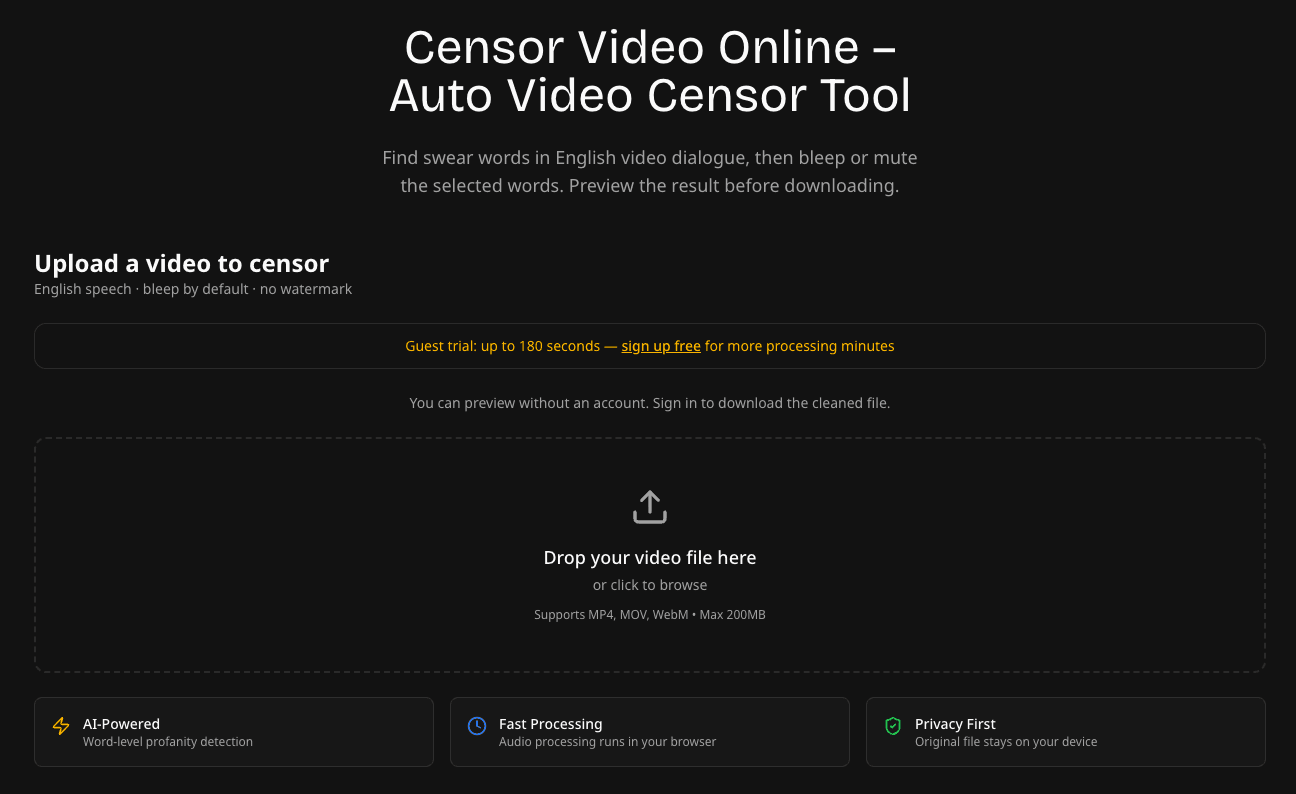
- Open the video censor and choose the file. Files your browser can handle are processed on your device; larger files or formats your browser can't process are handled securely in the cloud, with no converting needed. Audio is sent for speech recognition, and uploads auto-delete (24 hours for guests, 7 days for accounts).
- Review every flagged English swear word in the transcript. Keep the ones you are happy with and censor any the detector missed.
- Choose a bleep or silence. Bleeps suit gaming, reaction and comedy content; silence often sounds better in tutorials and talking-head videos.
- Preview, download the cleaned file (there is no watermark), then fix the captions, title and thumbnail before you upload.
Prefer to do it by hand in your editor? Download a free tone from the bleep sound effect generator, or follow our comparison of how to bleep curse words in a video in Premiere Pro, DaVinci Resolve and CapCut.
FAQ
Can you say the f-word on YouTube? Yes. Profanity isn't banned, and since July 2025 strong profanity in the first 7 seconds can be eligible for ad revenue. Using it in most sentences limits ads, using it in the title or thumbnail means no ad revenue, and excessive profanity can lead to age restriction under the vulgar language policy.
Do bleeped swear words affect monetization? YouTube's guidelines list bleeped or muted profanity as "obscured" profanity, which can earn ad revenue. YouTube still reviews the whole video, including the title, thumbnail and captions.
Can you swear in YouTube Shorts? Yes, the same advertiser-friendly guidelines apply to Shorts. Because Shorts are short, a few words take up a larger share of the video, so a bleep is often the safer choice there. That last point is our inference.
Will swearing get my video age-restricted? It can. YouTube's examples of content that may be age-restricted include heavy profanity in the title, thumbnail or metadata, and videos focused on profanity, such as swearing compilations or clips taken out of context.
Does swearing in the title hurt more than in the video? Yes. Moderate profanity in the title or thumbnail limits ads, and stronger profanity there means no ad revenue, even when the same words would be fine in the video.
Can I swear in a kids' video? Not if you want full ad revenue. Content made for kids must suit a family audience to monetize, and profanity in content aimed at kids falls under limited or no ad earnings.